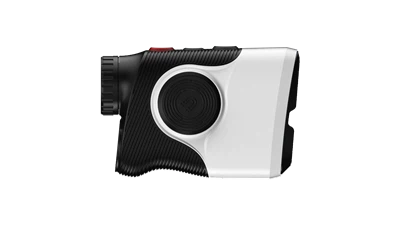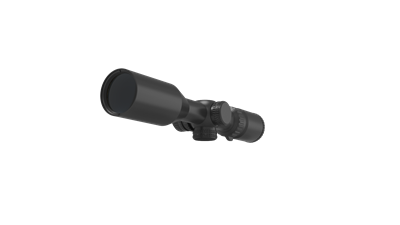
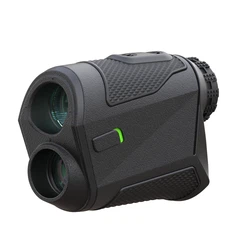

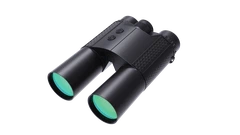
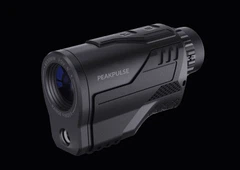
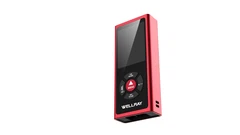
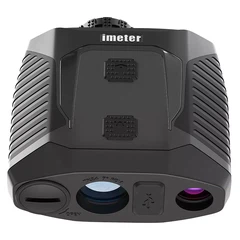


The golf rangefinder is relatively simple to use. The three most important functions of the golf rangefinder: rangefinder mode, flagpole lock mode, golf distance correction mode (also called slope mode). These functions are the most used modes and the most basic modes when golfing to measure the distance of the flagpole. How to use the golf rangefinder:
1. Ranging mode: Press the power button to turn on the power of the laser rangefinder, aim at the target and press the power button again to start measuring the distance.
2. Flagpole lock mode: In the flagpole scan mode, the flagpole can be separated from multiple points in the background, leaving only the distance from the golfer to the flagpole. So as to achieve automatic locking flagpole distance. Other targets are shielded behind the flagpole. When the flagpole scan mode screen appears, press and hold the power key to activate the flagpole scan function, and the screen frame around the flag icon flashes. The aiming point of the rangefinder is back and forth on both sides of the flagpole before and after the scan, the flagpole of the measurement data will be retained, and the flags around the screen are no longer flashing, which means that the flagpole data is locked.
3. Golf distance correction mode: During golf flight, substitute the measured distance value and slope value into the equation. Calculate the recommended distance. When the golf distance correction screen appears, press the power button to start scanning the flagpole for distance measurement. After measuring the distance value and the flagpole slope value, the trajectory can be calculated. Distance and slope values alternate.